Description
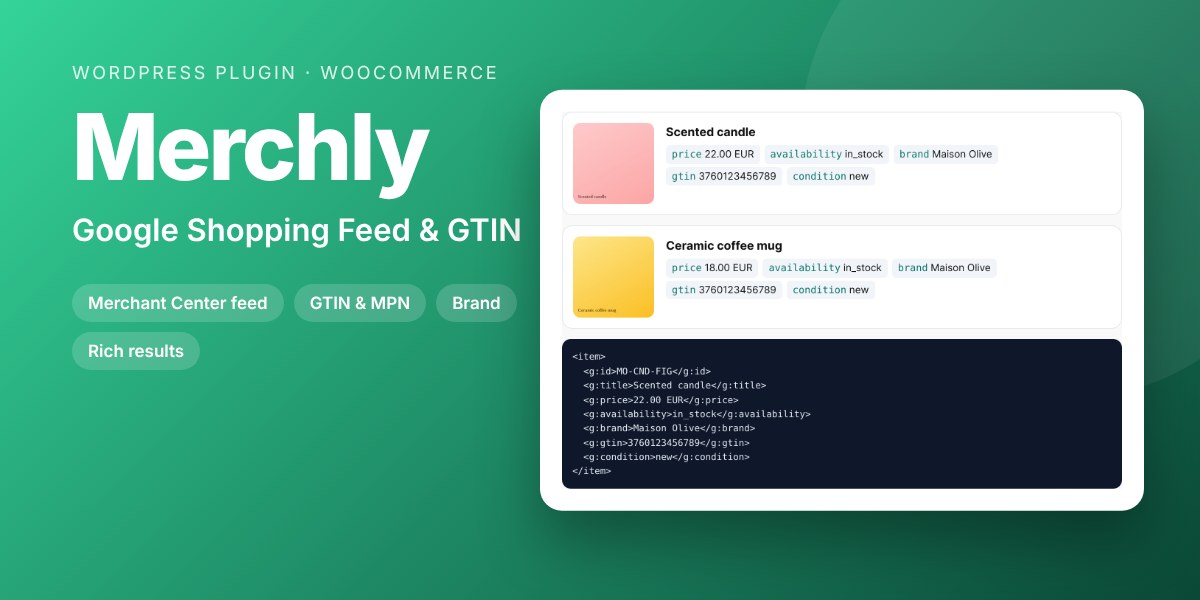
A Google Merchant Center product feed, plus GTIN, MPN, brand and condition fields added to your product structured data.
Google Shopping and free product listings need a product feed and product identifiers. Merchly adds the fields to your products and builds the feed for you, always up to date.
Why buyers like it
- Clean, modern design that fits any theme
- Lightweight: no jQuery on the front end, no external service, no tracking
- Fully unlocked: no license key, no activation, readable GPL code
- Translation ready
Features
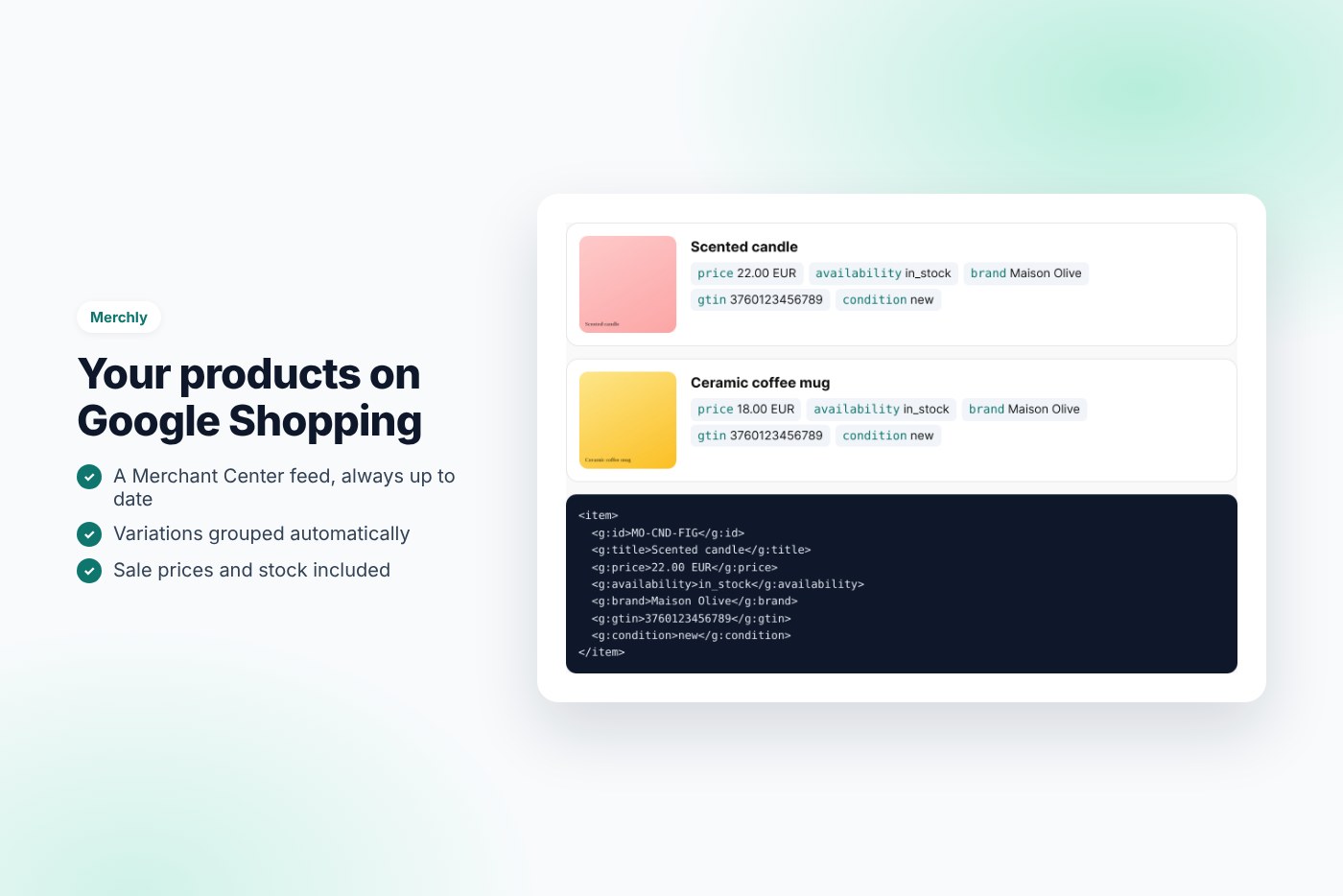
- Google Merchant Center XML feed
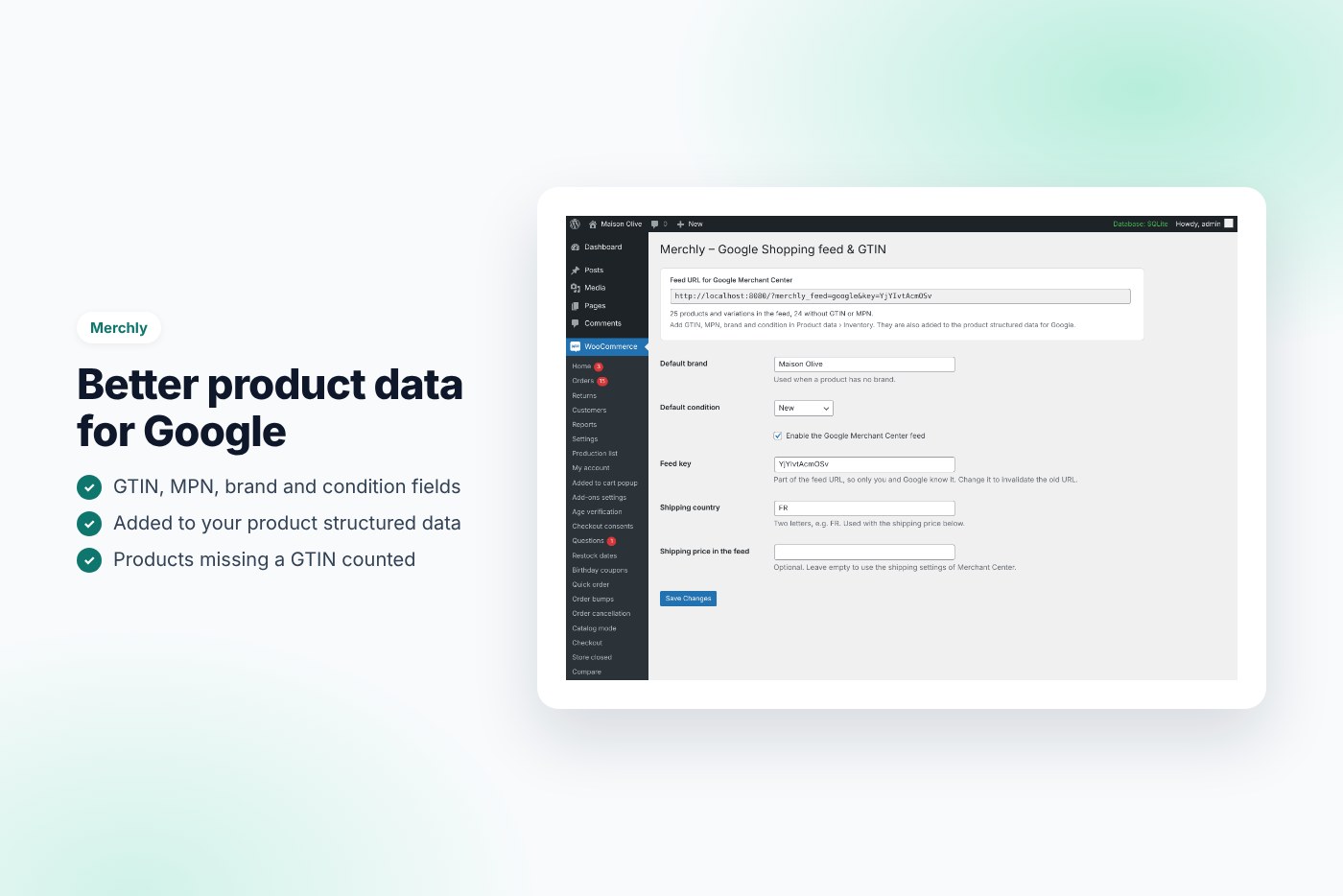
- GTIN, MPN, brand and condition fields
- Variations with their own GTIN, grouped together
- Sale prices, stock and images included
- Fields added to the product structured data
- Private feed URL with a key
- Exclude products from the feed
Requirements
- WordPress 6.0 or later
- PHP 7.4 or later
- WooCommerce 7.0 or later
- Works with any theme and page builder
What you get
- The installable plugin zip, ready to upload in Plugins › Add New
- Instant download after payment, from your order email and your account
- Free updates: download the latest version from your account at any time
- Readable GPL code, no license key, no activation, no tracking
- English, translation ready
Installation
- After purchase, download the plugin zip from your order email or your account (do not unzip it).
- In WordPress go to Plugins › Add New › Upload Plugin and upload
merchly-google-shopping-feed.zip. - Activate the plugin.
- Check WooCommerce › Google Shopping.
Frequently asked questions
Does it work with my theme and page builder?
Yes. It works with any properly coded theme, including block themes, and with page builders through the shortcode.
Can I try it before buying?
Yes, every feature runs on the live demo.
Is there a subscription or a license key?
No. You pay once and download the plugin. There is no license key to activate.