Description
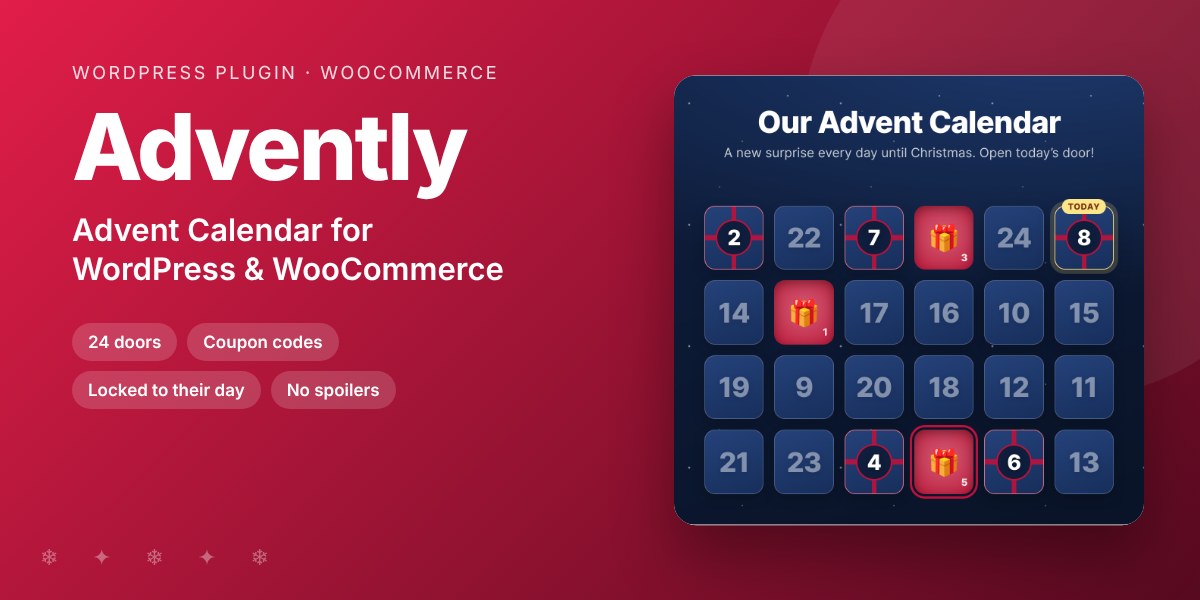
An interactive advent calendar for your site: one door to open each day of December, with a coupon code, a product or a surprise inside. Gives visitors a reason to come back every day.
December is the month people visit online stores the most. An advent calendar turns one visit into twenty-four: each day, a new door opens with a coupon, a product or a little surprise. Coupon codes only work from their day, so a leaked code cannot be used early.
Why buyers like it
- Clean, modern design that fits any theme
- Lightweight: no jQuery on the front end, no external service, no tracking
- Fully unlocked: no license key, no activation, readable GPL code
- Translation ready
Features
- 1 to 31 doors from the date you choose (24 doors from 1 December by default), opening at midnight in your time zone
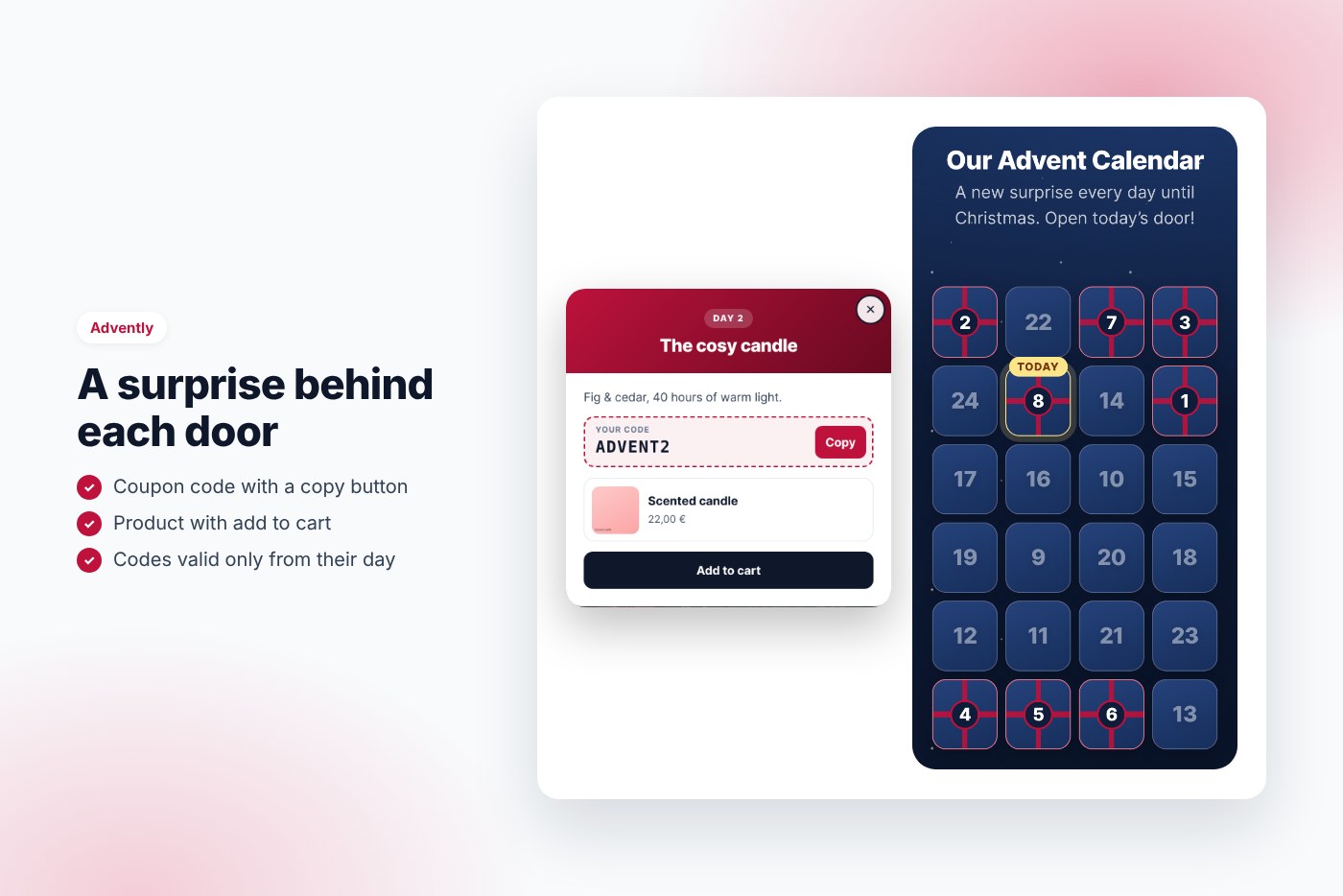
- Each door: title, message, coupon code with a copy button, WooCommerce product with add to cart, link and button
- Coupon codes valid from their day, or only on their day
- Door contents are never in the page source before their day; pages stay cacheable
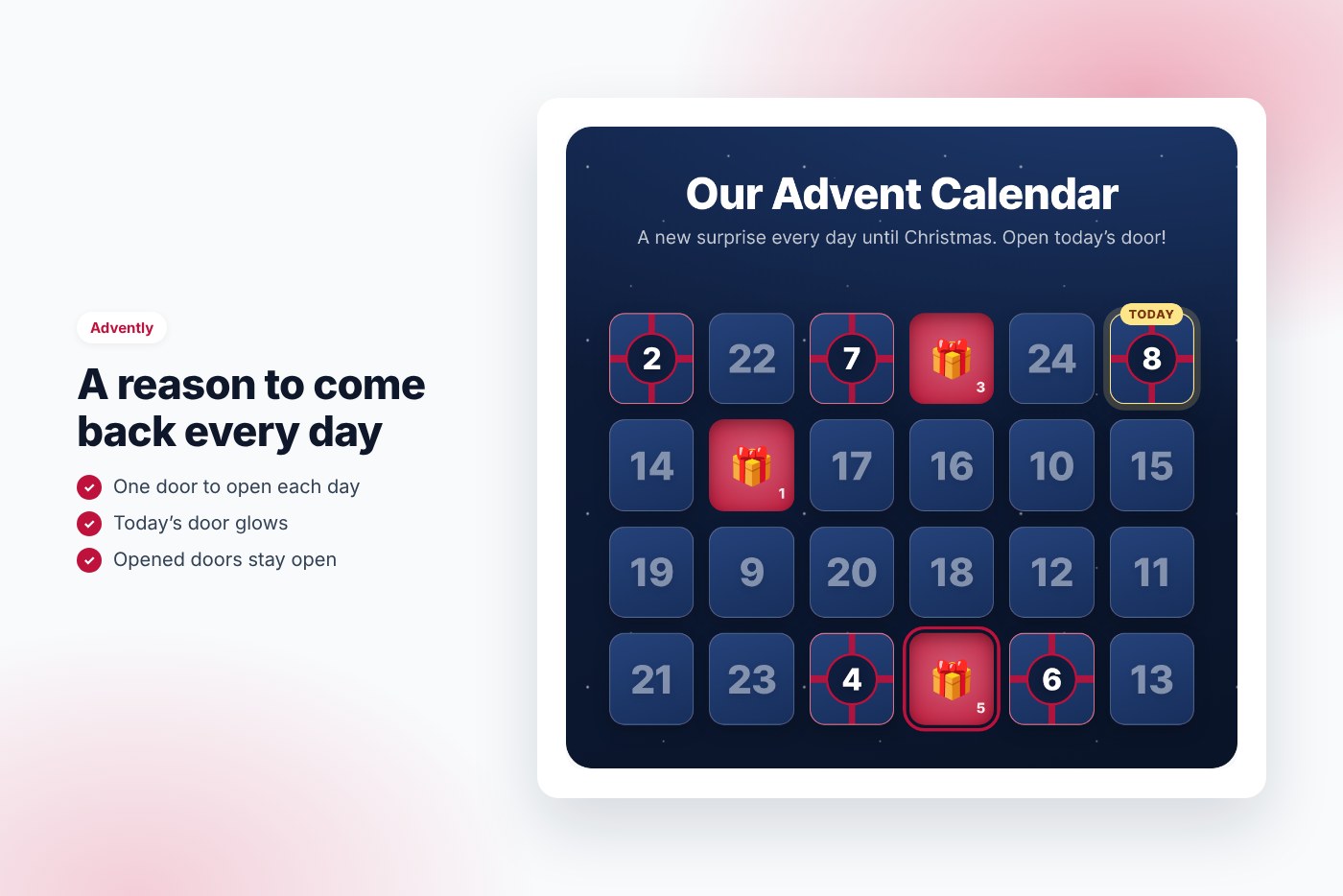
- Today’s door glows, opened doors stay open for each visitor
- Three designs (winter night, Christmas red, snow), your color, optional snowfall
- Doors mixed like a real calendar, or in order
- Preview before launch, for administrators or as a public teaser
- Shortcode
Our Advent Calendar
A new surprise every day until Christmas. Open today’s door!
Requirements
- WordPress 6.0 or later
- PHP 7.4 or later
- WooCommerce 7.0 or later for coupons and products (optional)
- Works with any theme and page builder
What you get
- The installable plugin zip, ready to upload in Plugins › Add New
- Instant download after payment, from your order email and your account
- Free updates: download the latest version from your account at any time
- Readable GPL code, no license key, no activation, no tracking
- English, translation ready
Installation
- After purchase, download the plugin zip from your order email or your account (do not unzip it).
- In WordPress go to Plugins › Add New › Upload Plugin and upload
advently-advent-calendar.zip. - Activate the plugin.
- Create your coupons in Marketing › Coupons.
- Go to Advent calendar, set the first day and fill in the doors.
- Add
Our Advent Calendar
A new surprise every day until Christmas. Open today’s door!
Frequently asked questions
Does it work with my theme and page builder?
Yes. It works with any properly coded theme, including block themes, and with page builders through the shortcode.
Can I try it before buying?
Yes, every feature runs on the live demo.
Is there a subscription or a license key?
No. You pay once and download the plugin. There is no license key to activate.





Reviews
There are no reviews yet.