Description
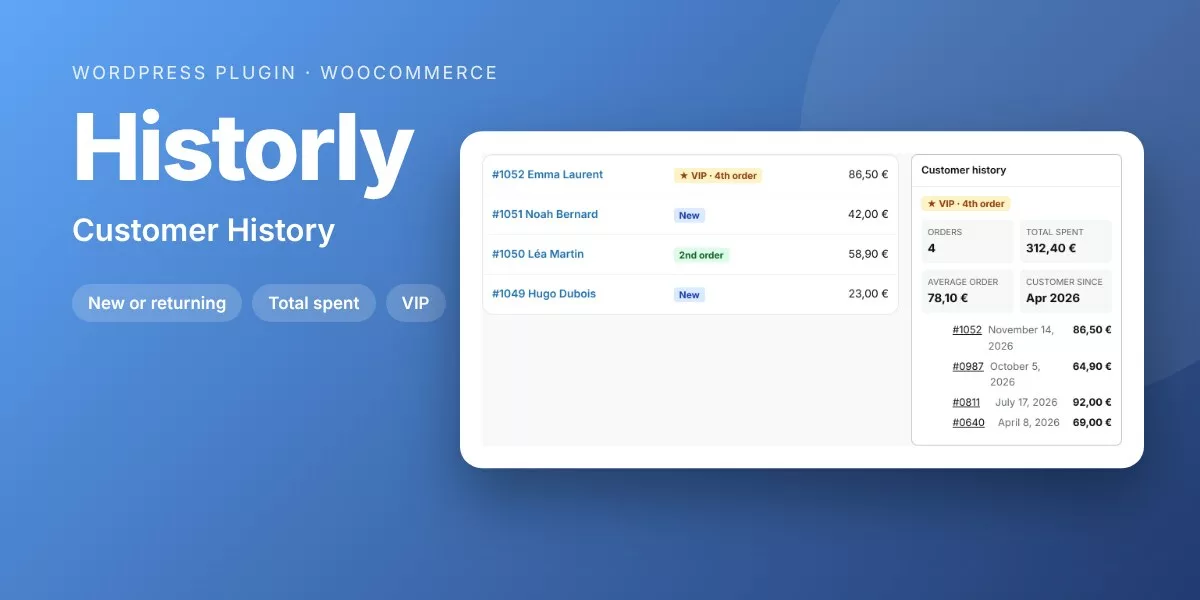
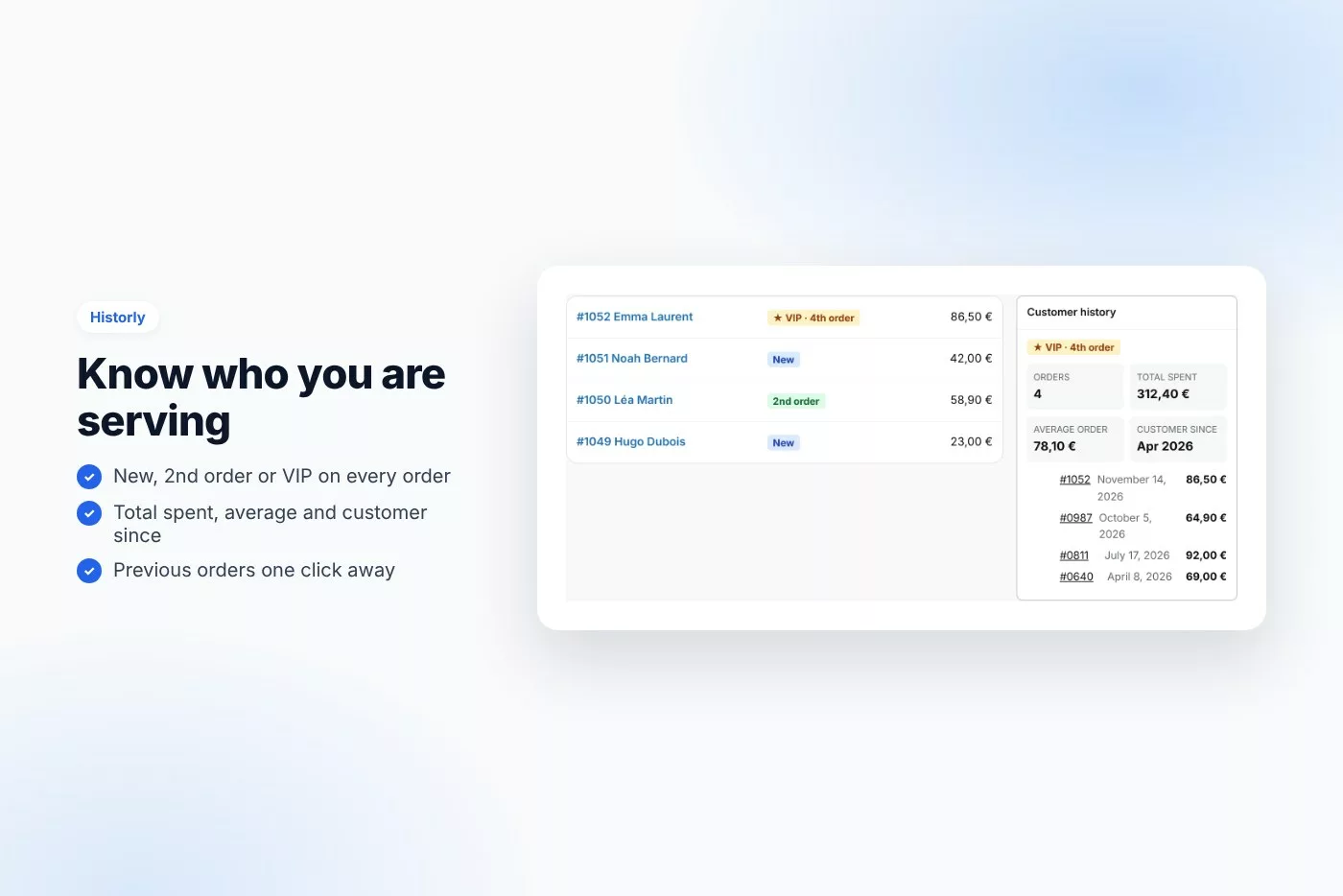
See at a glance on every order if the customer is new or returning, how much they have spent and their previous orders.
Knowing that an order comes from a loyal customer changes how you pack it, write the note or handle a problem. Historly puts the customer’s history where you need it: on the order.
Why buyers like it
- Clean, modern design that fits any theme
- Lightweight: no jQuery on the front end, no external service, no tracking
- Fully unlocked: no license key, no activation, readable GPL code
- Translation ready
Features
- New, 2nd order or VIP badge on every order
- Total spent, average order and customer since
- Previous orders with links
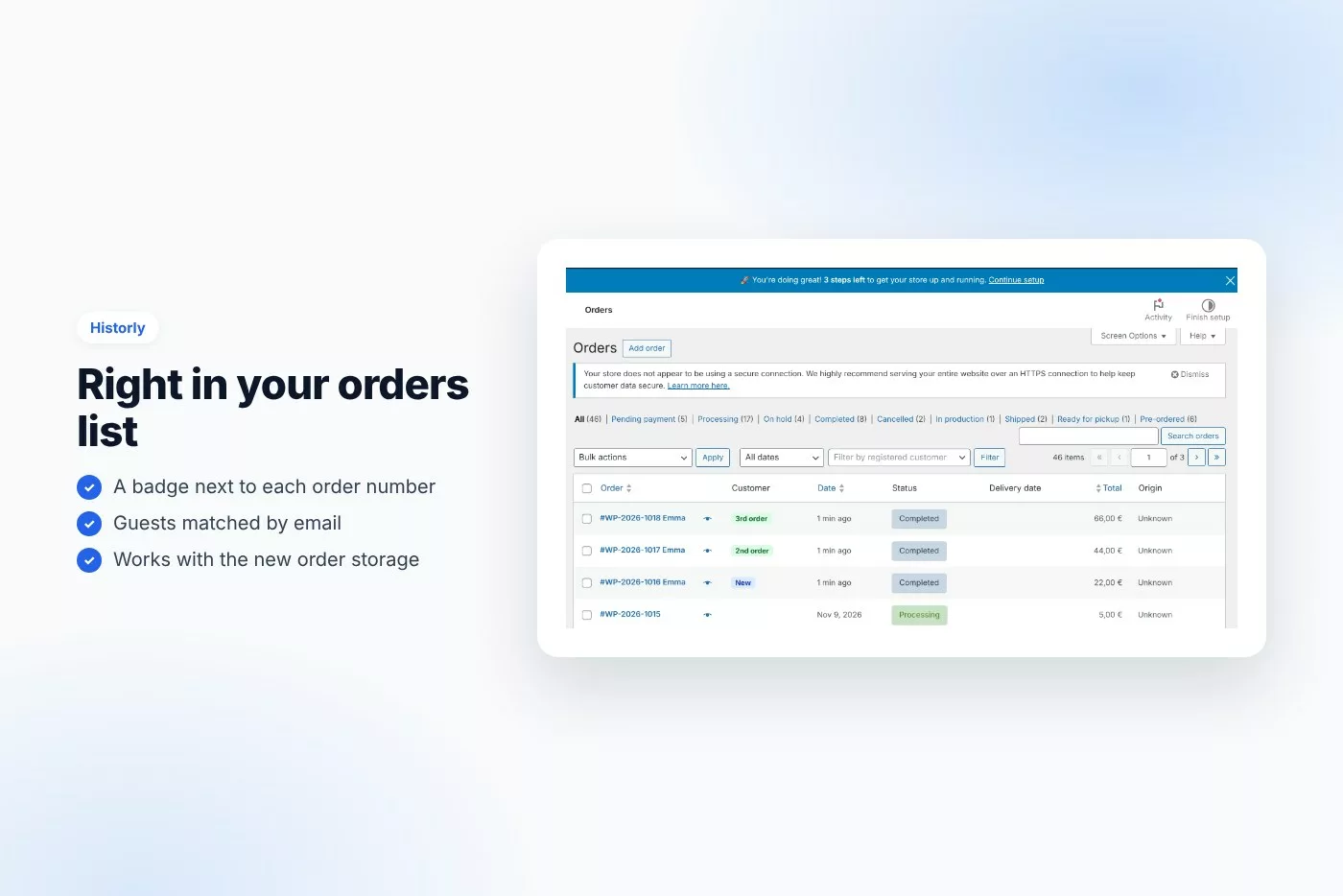
- Badge column in the orders list
- Guests matched by billing email
- Refunded orders flagged
- Compatible with the new order storage (HPOS)
Requirements
- WordPress 6.0 or later
- PHP 7.4 or later
- Works with any theme and page builder
What you get
- The installable plugin zip, ready to upload in Plugins › Add New
- Instant download after payment, from your order email and your account
- Free updates: download the latest version from your account at any time
- Readable GPL code, no license key, no activation, no tracking
- English, translation ready
Installation
- After purchase, download the plugin zip from your order email or your account (do not unzip it).
- In WordPress go to Plugins › Add New › Upload Plugin and upload
historly-customer-history.zip. - Activate the plugin.
- Check WooCommerce › Customer history.
Frequently asked questions
Does it work with my theme and page builder?
Yes. It works with any properly coded theme, including block themes, and with page builders through the shortcode.
Can I try it before buying?
Yes, every feature runs on the live demo.
Is there a subscription or a license key?
No. You pay once and download the plugin. There is no license key to activate.



Reviews
There are no reviews yet.