Description
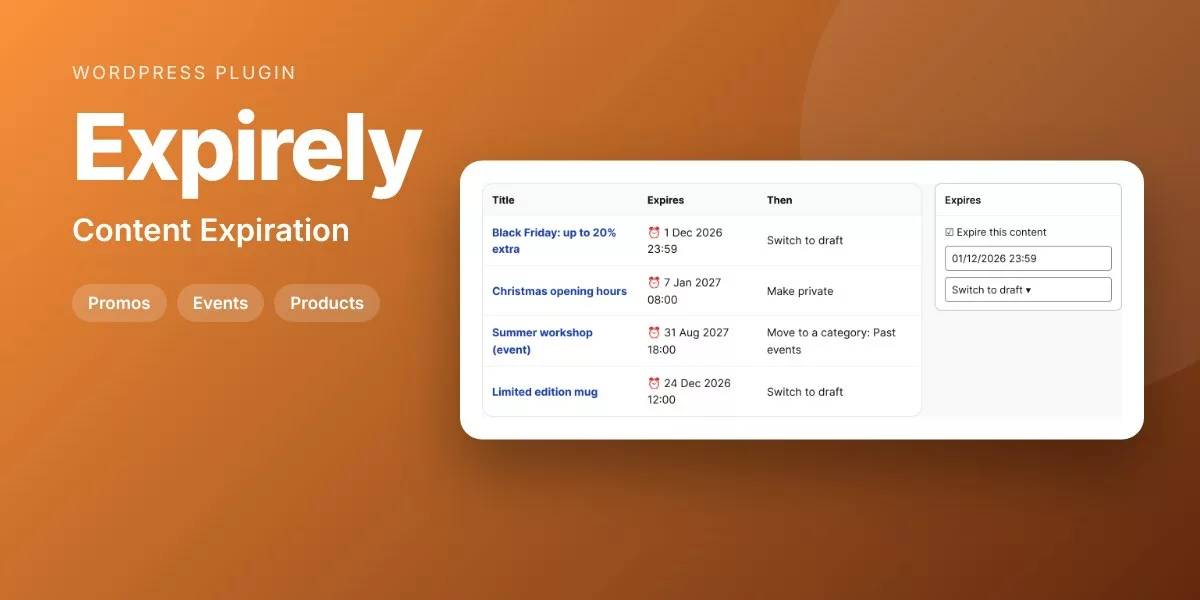
Schedule posts, pages and products to be unpublished, made private, trashed or moved to another category at a date and time.
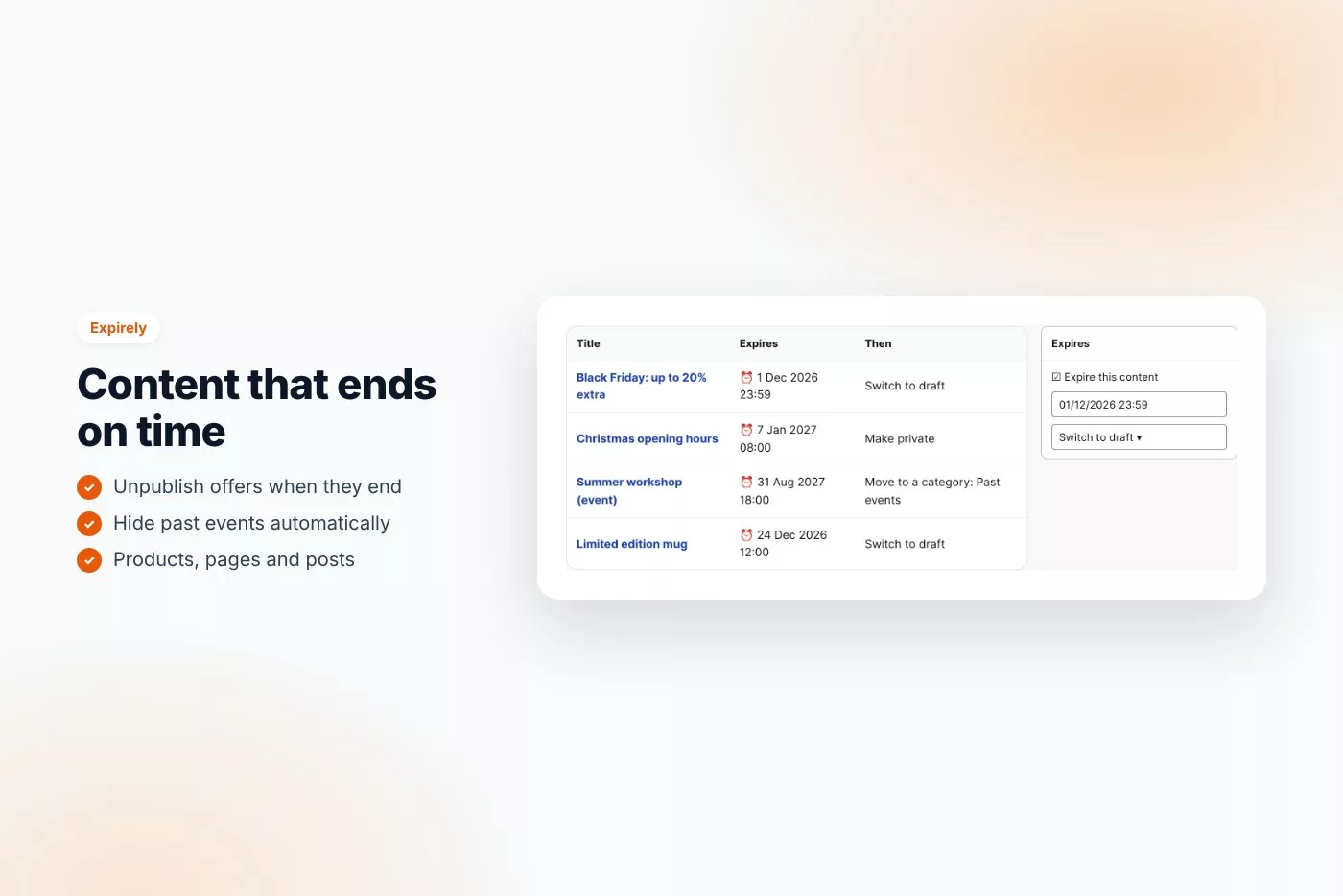
Offers that end, events that are over, seasonal pages: content often stays online long after it should. Expirely takes it down at the exact time you choose.
Why buyers like it
- Clean, modern design that fits any theme
- Lightweight: no jQuery on the front end, no external service, no tracking
- Fully unlocked: no license key, no activation, readable GPL code
- Translation ready
Features
- An Expires box on posts, pages and products
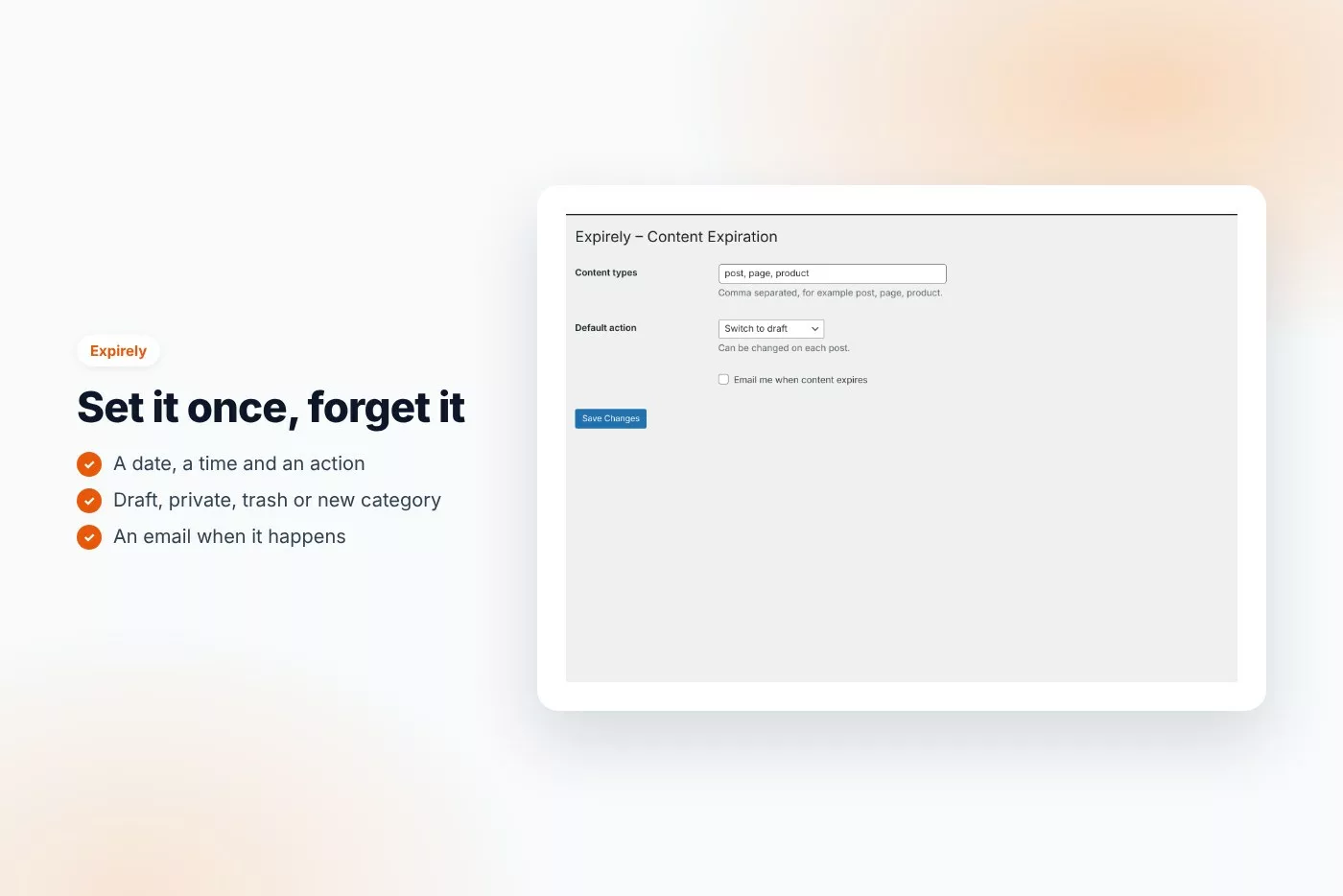
- Switch to draft, make private, trash or move to a category
- Runs on time, with an hourly safety check
- Expires column in the lists
- Uses your site time zone
- Optional email when content expires
- Choose the content types
Requirements
- WordPress 6.0 or later
- PHP 7.4 or later
- Works with any theme and page builder
What you get
- The installable plugin zip, ready to upload in Plugins › Add New
- Instant download after payment, from your order email and your account
- Free updates: download the latest version from your account at any time
- Readable GPL code, no license key, no activation, no tracking
- English, translation ready
Installation
- After purchase, download the plugin zip from your order email or your account (do not unzip it).
- In WordPress go to Plugins › Add New › Upload Plugin and upload
expirely-content-expiration.zip. - Activate the plugin.
- Check Settings › Expiration.
Frequently asked questions
Does it work with my theme and page builder?
Yes. It works with any properly coded theme, including block themes, and with page builders through the shortcode.
Can I try it before buying?
Yes, every feature runs on the live demo.
Is there a subscription or a license key?
No. You pay once and download the plugin. There is no license key to activate.




Reviews
There are no reviews yet.