Description
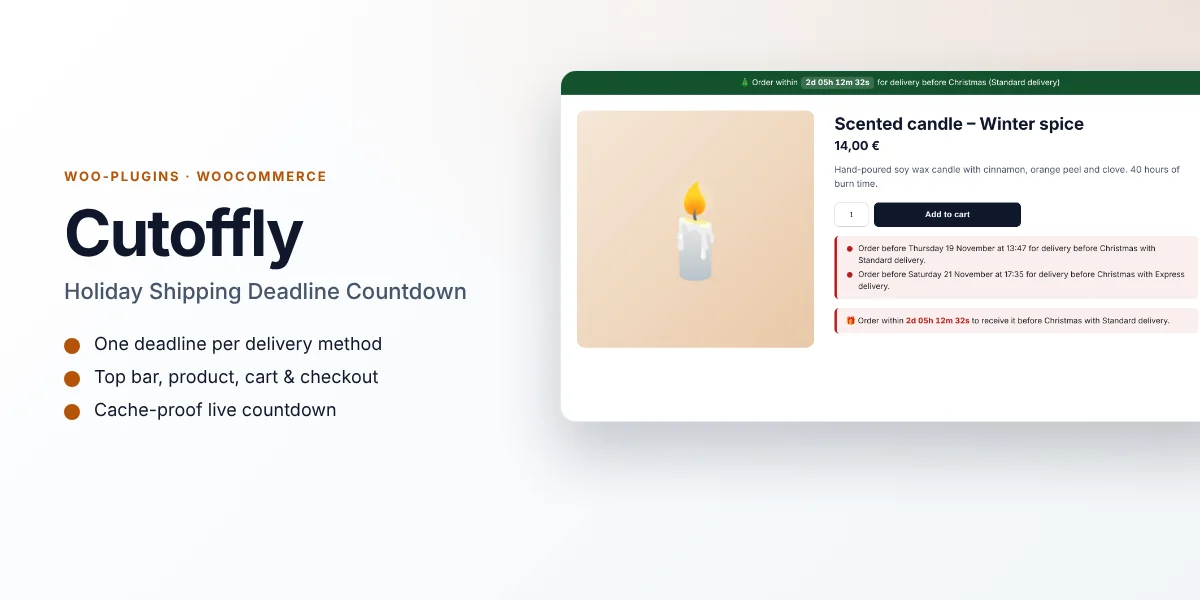
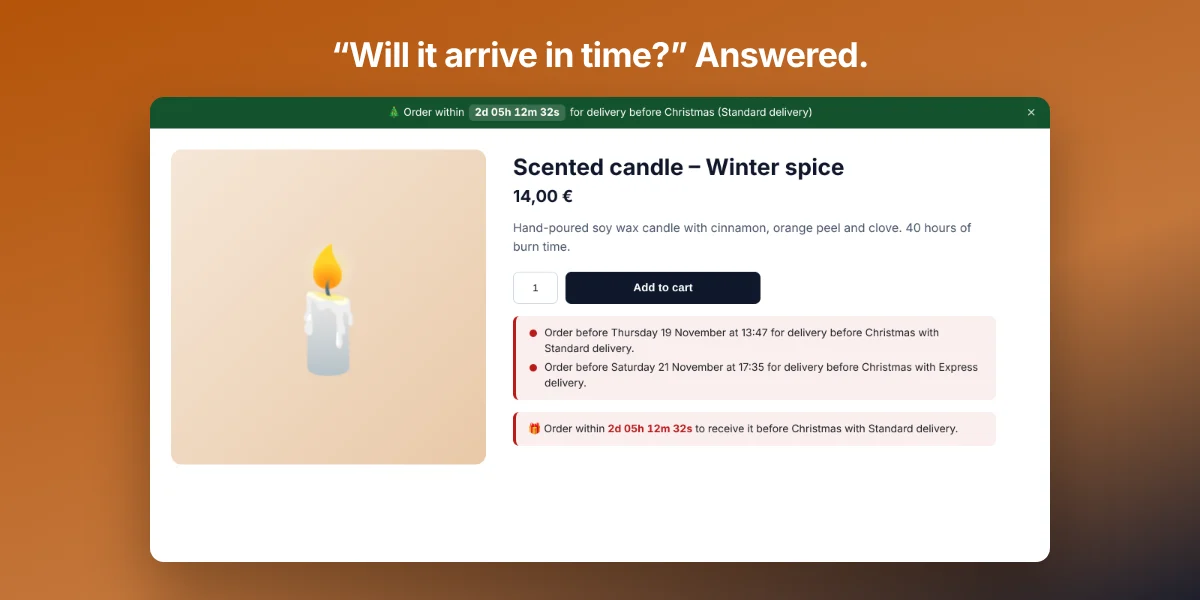
“Order within 2d 05h 12m to get it before Christmas!” Turn your holiday shipping deadlines into live countdowns that drive last-minute sales.
In December, the question every shopper asks is “will it arrive in time?”. Cutoffly answers it everywhere on your store, for each delivery method, and creates honest urgency that turns hesitation into orders.
Why buyers like it
- Clean, modern design that fits any theme
- Lightweight: no jQuery on the front end, no external service, no tracking
- Fully unlocked: no license key, no activation, readable GPL code
- Translation ready
Features
- One order deadline per delivery method (Standard, Express, Click & Collect…)
- Live countdown that switches to the next method when a deadline passes
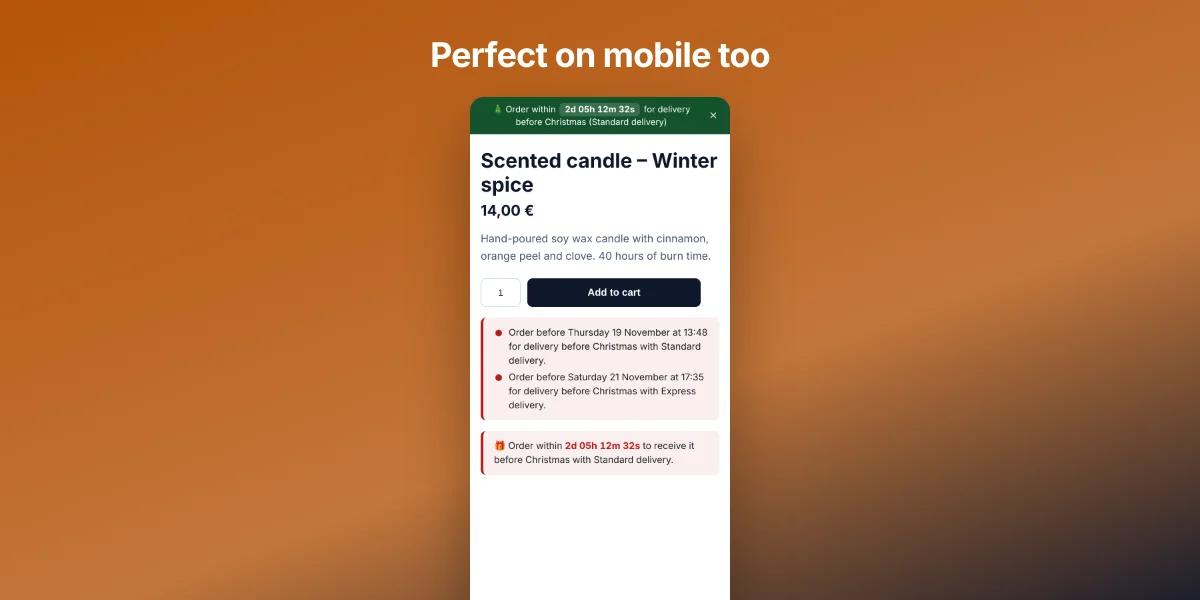
- Top bar on every page (dismissible), product pages, cart and checkout
- After the last deadline: your own message and link, e.g. “Too late? Offer a gift card!”
- Works for any event: Christmas, Valentine’s Day, Mother’s Day…
- Start date, and automatic end on the event date
- Cache-proof: computed in the browser with your site timezone
- Editable messages with {event}, {method}, {countdown}, {date} and {time}
- Classic and block themes, shortcodes for page builders
Requirements
- WordPress 6.0 or later
- WooCommerce 7.0 or later (HPOS and block cart/checkout compatible)
- PHP 7.4 or later
What you get
- The installable plugin zip, ready to upload in Plugins › Add New
- Instant download after payment, from your order email and your account
- Free updates: download the latest version from your account at any time
- Readable GPL code, no license key, no activation, no tracking
- English, translation ready
Installation
- After purchase, download the plugin zip from your order email or your account (do not unzip it).
- In WordPress go to Plugins › Add New › Upload Plugin and upload
cutoffly-shipping-deadline.zip. - Activate the plugin.
- Go to WooCommerce › Holiday Deadlines, set the event date and your order deadlines, and tick “Show the deadlines on the store”.
Frequently asked questions
Does it work with page caching?
Yes. The page only contains an empty placeholder; the countdown and the right deadline are computed in the visitor’s browser, so cached pages stay exact.
Can I use it after Christmas?
Yes. Change the event name and dates for Valentine’s Day, Mother’s Day or any sales event.
Can I try it before buying?
Yes, every feature runs on the live demo.
Is there a subscription or a license key?
No. You pay once and download the plugin. There is no license key to activate.





Reviews
There are no reviews yet.