Description
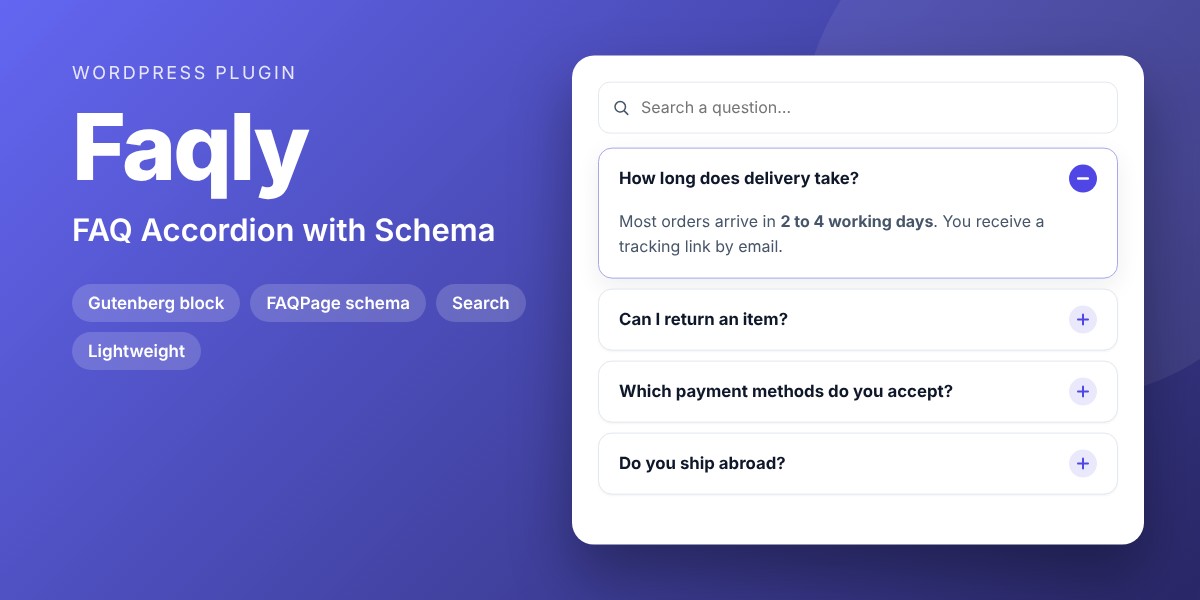
Beautiful, accessible FAQ accordions with live search, sections and automatic FAQPage structured data, managed in one place and shown anywhere.
A good FAQ answers objections before visitors leave: delivery, returns, prices, how it works. Faqly turns your questions into a clean accordion you can place on any page, with a search box for long FAQs and FAQPage structured data generated for you.
Why buyers like it
- Clean, modern design that fits any theme
- Lightweight: no jQuery on the front end, no external service, no tracking
- Fully unlocked: no license key, no activation, readable GPL code
- Translation ready
Features
- FAQ editor: add, reorder and remove questions, group them in sections
- Answers with links, bold text and lists
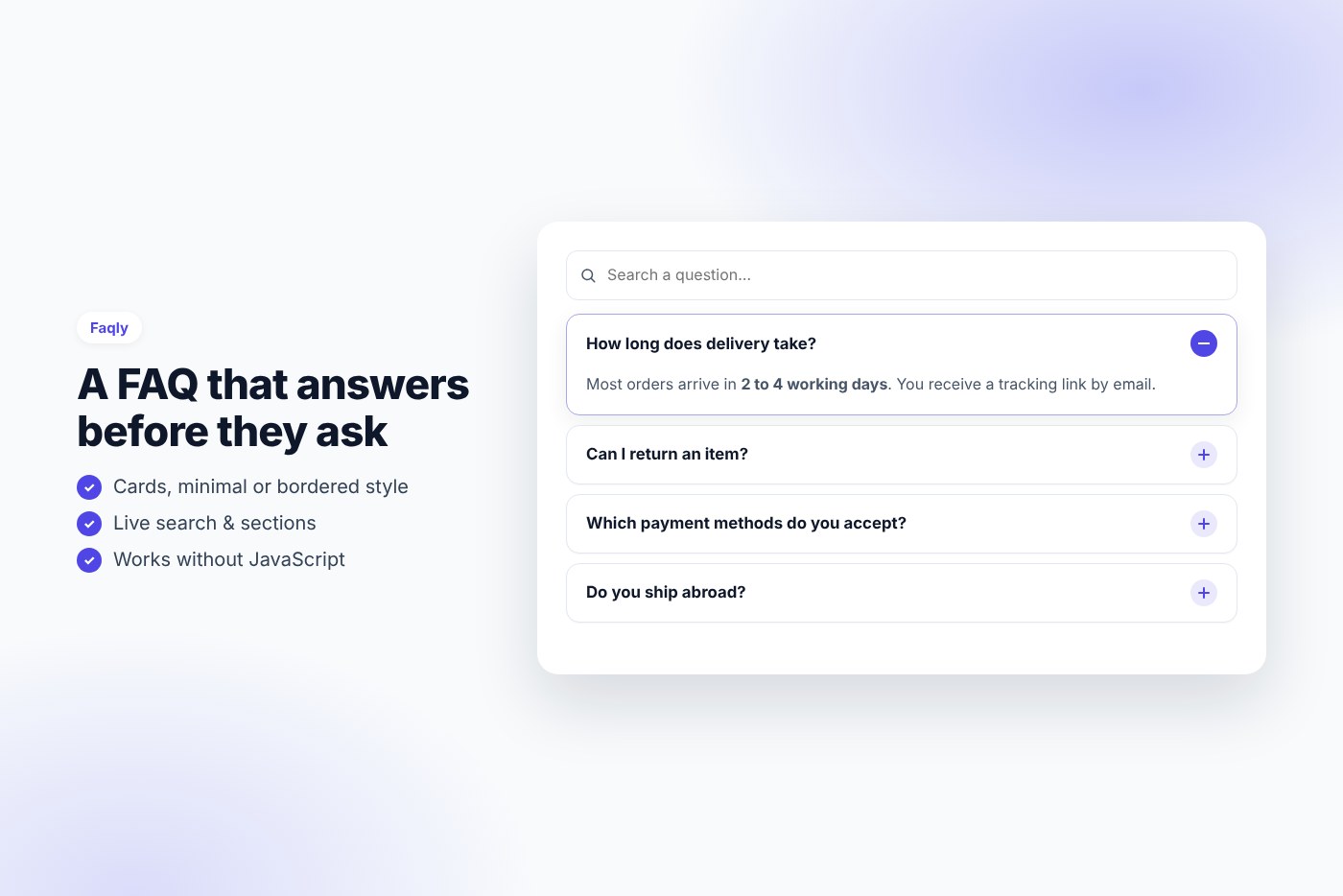
- Three styles (cards, minimal, bordered), plus / minus or chevron icon, your accent color
- Open the first question, none or all; optional “one answer at a time”
- Live search that filters questions as you type, and an “Expand all” button
- Direct links to a question open it automatically
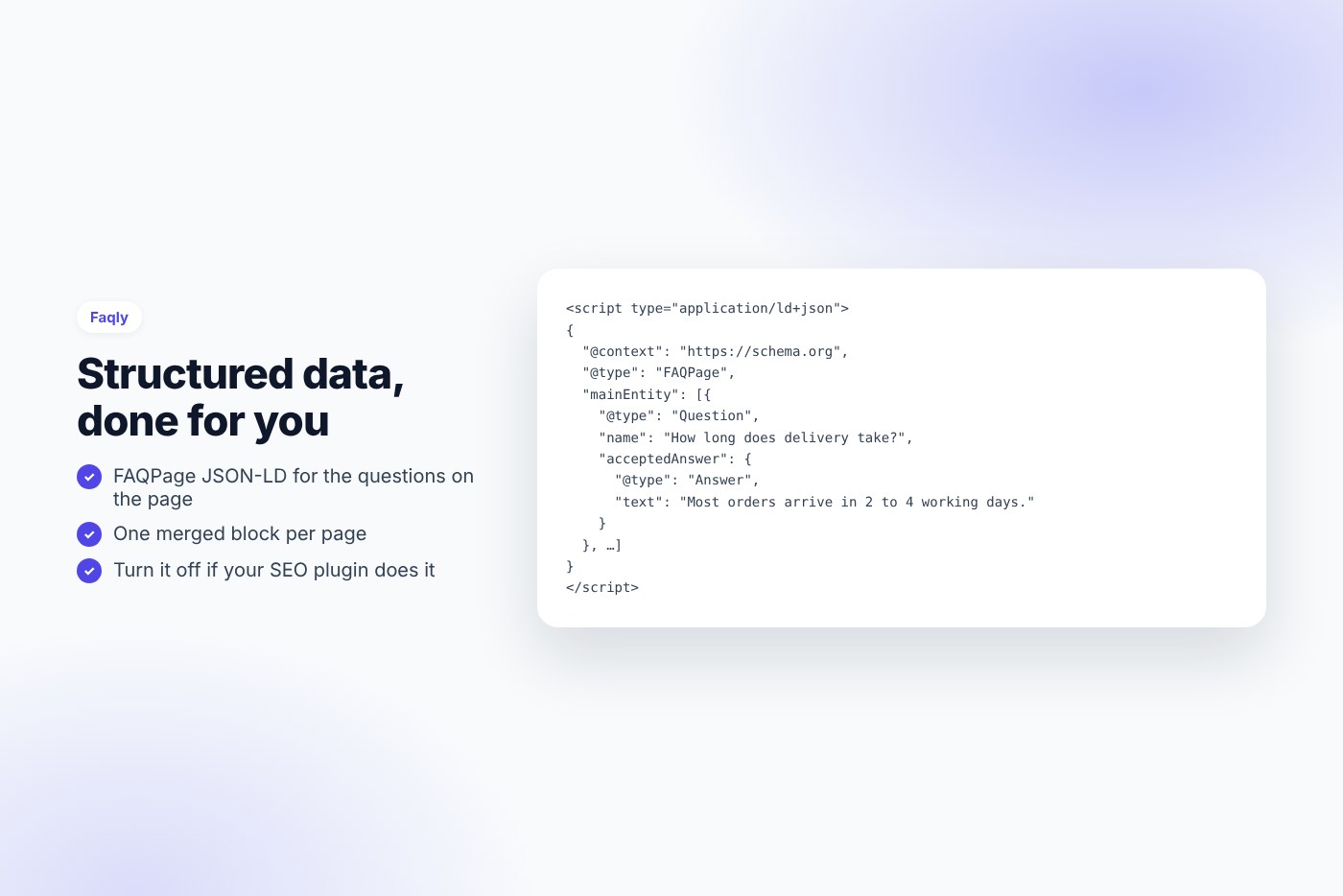
- FAQPage structured data (JSON-LD) for the questions shown on the page, merged into one block
- Native details / summary elements: works without JavaScript, keyboard and screen-reader friendly
- “FAQ” Gutenberg block with live preview and
shortcode - Assets load only on pages with a FAQ
Requirements
- WordPress 6.0 or later
- PHP 7.4 or later
- Works with any theme and page builder
What you get
- The installable plugin zip, ready to upload in Plugins › Add New
- Instant download after payment, from your order email and your account
- Free updates: download the latest version from your account at any time
- Readable GPL code, no license key, no activation, no tracking
- English, translation ready
Installation
- After purchase, download the plugin zip from your order email or your account (do not unzip it).
- In WordPress go to Plugins › Add New › Upload Plugin and upload
faqly-faq-schema.zip. - Activate the plugin.
- Go to FAQs › Add New, add your questions, then insert the “FAQ” block or the shortcode in a page.
Frequently asked questions
Does it work with my theme and page builder?
Yes. It works with any properly coded theme, including block themes, and with page builders through the shortcode.
Can I try it before buying?
Yes, every feature runs on the live demo.
Is there a subscription or a license key?
No. You pay once and download the plugin. There is no license key to activate.


Reviews
There are no reviews yet.