Description
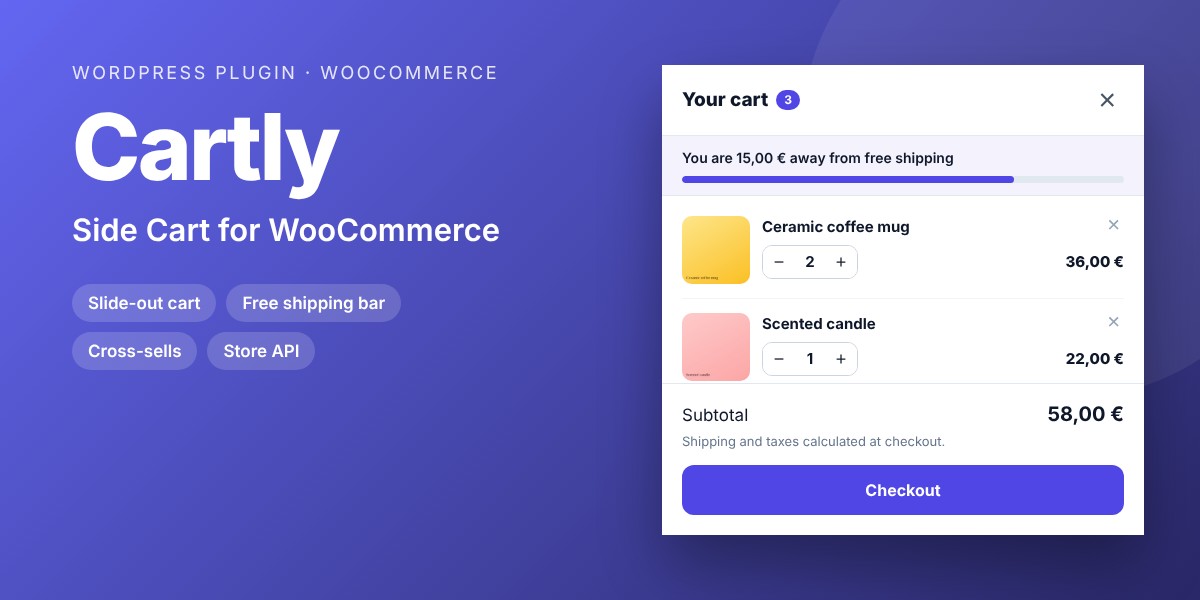
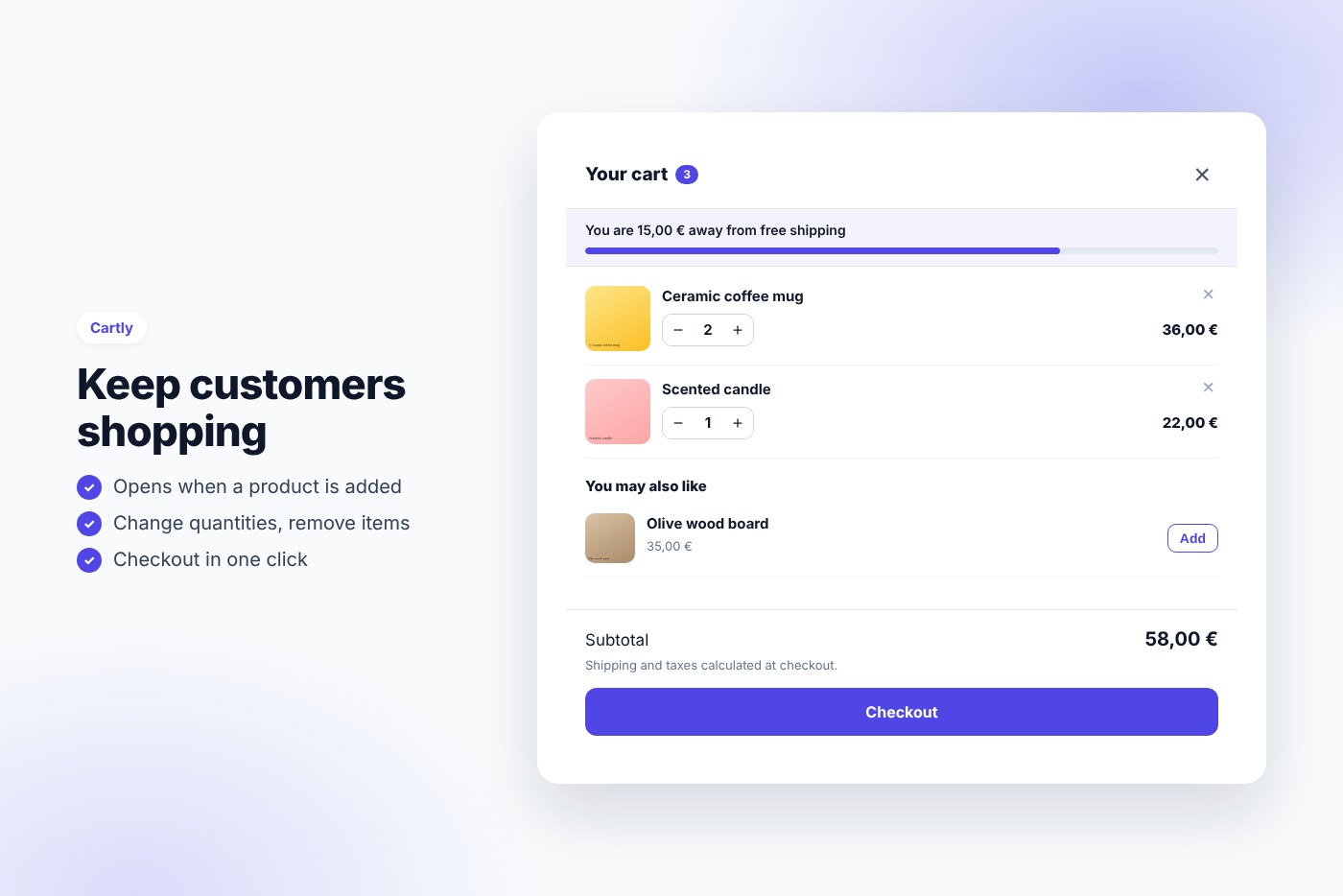
A clean slide-out cart that opens when a product is added: customers change quantities, see how close they are to free shipping, discover a related product and go to checkout without leaving the page.
Sending customers to the cart page after every add to cart breaks their shopping. Cartly keeps them on the page: a side cart slides in, confirms what they added and offers two clear choices, keep shopping or check out. The free shipping bar and the suggestions turn it into a small sales tool.
Why buyers like it
- Clean, modern design that fits any theme
- Lightweight: no jQuery on the front end, no external service, no tracking
- Fully unlocked: no license key, no activation, readable GPL code
- Translation ready
Features
- Side cart from the right or the left, opened automatically on add to cart
- Opens instead of the cart page when a cart link is clicked (optional)
- Change quantities and remove items, with WooCommerce stock and quantity rules
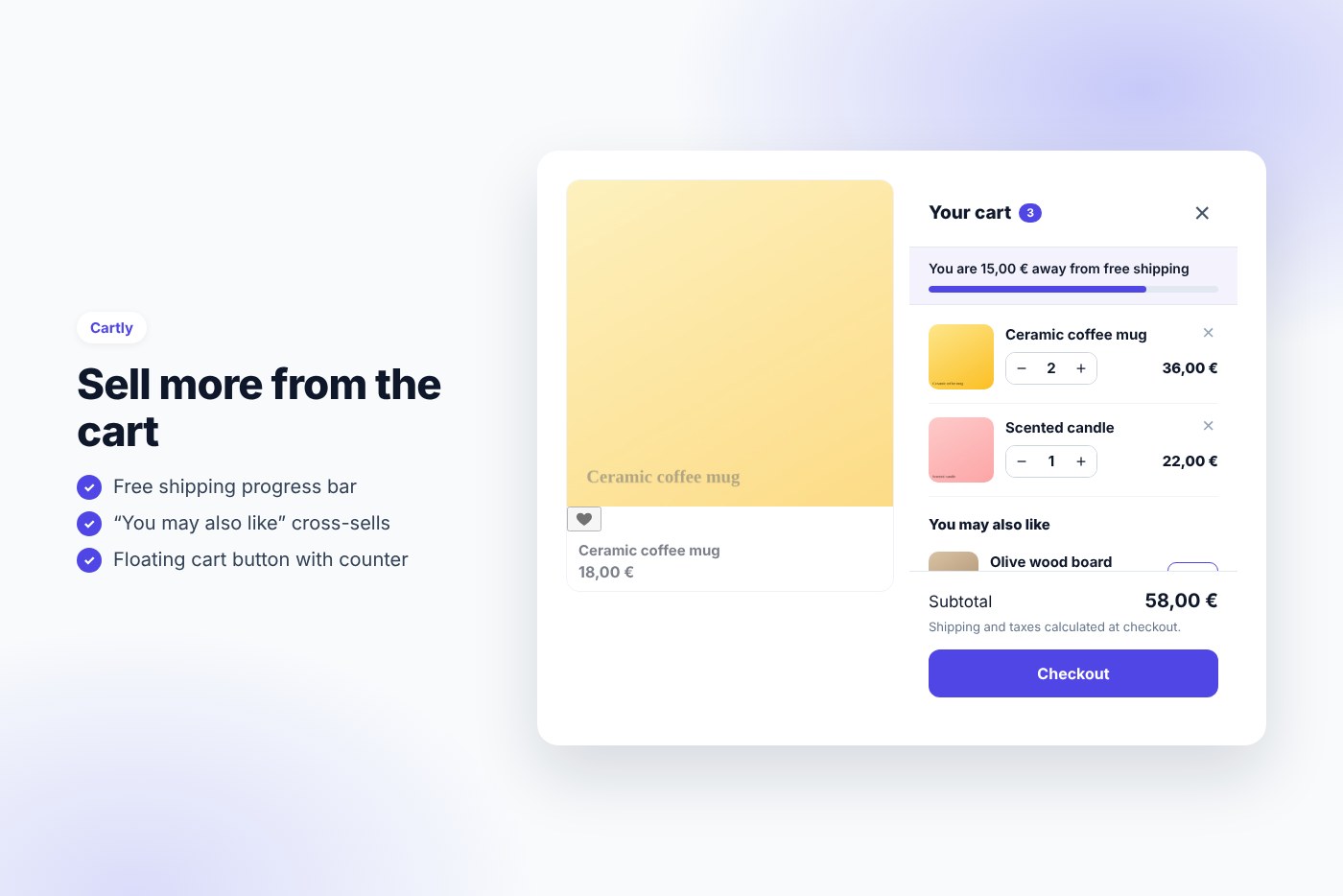
- Free shipping progress bar with your own messages
- “You may also like” suggestions from the cross-sells, added in one click
- Floating cart button with counter, or
- Keyboard accessible: focus trap, Escape to close, screen reader labels
- Built on the official WooCommerce Store API: block cart & checkout compatible, works with page caching
Requirements
- WordPress 6.0 or later
- PHP 7.4 or later
- WooCommerce 8.0 or later
- Works with any theme and page builder
What you get
- The installable plugin zip, ready to upload in Plugins › Add New
- Instant download after payment, from your order email and your account
- Free updates: download the latest version from your account at any time
- Readable GPL code, no license key, no activation, no tracking
- English, translation ready
Installation
- After purchase, download the plugin zip from your order email or your account (do not unzip it).
- In WordPress go to Plugins › Add New › Upload Plugin and upload
cartly-side-cart.zip. - Activate the plugin.
- Go to WooCommerce › Side cart, set your free shipping amount and save.
Frequently asked questions
Does it work with my theme and page builder?
Yes. It works with any properly coded theme, including block themes, and with page builders through the shortcode.
Can I try it before buying?
Yes, every feature runs on the live demo.
Is there a subscription or a license key?
No. You pay once and download the plugin. There is no license key to activate.



Reviews
There are no reviews yet.