Description
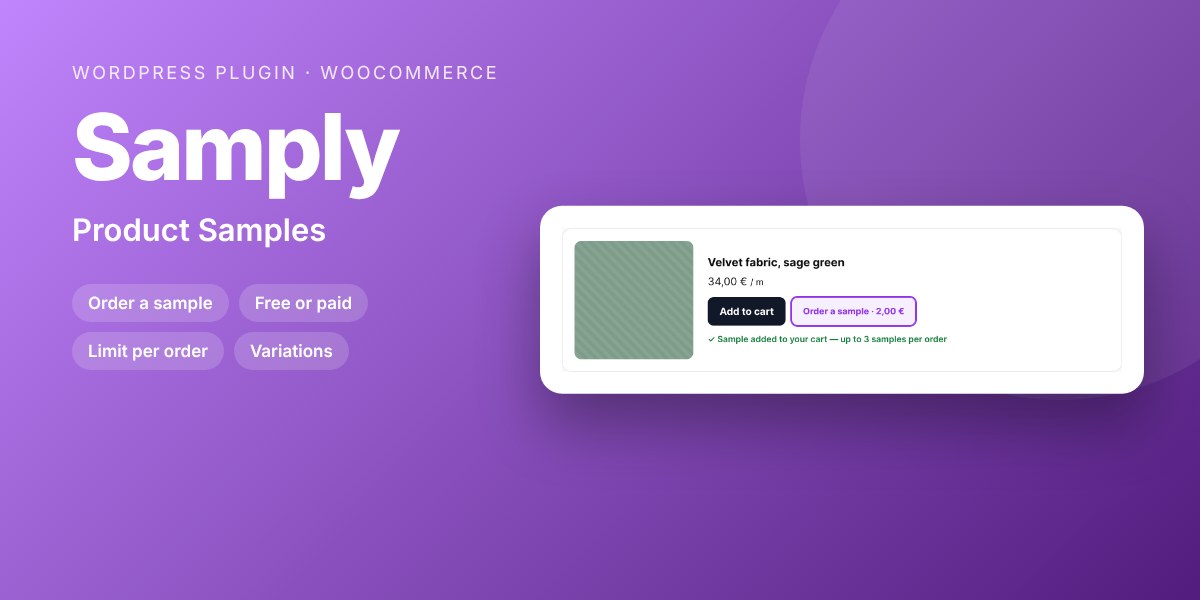
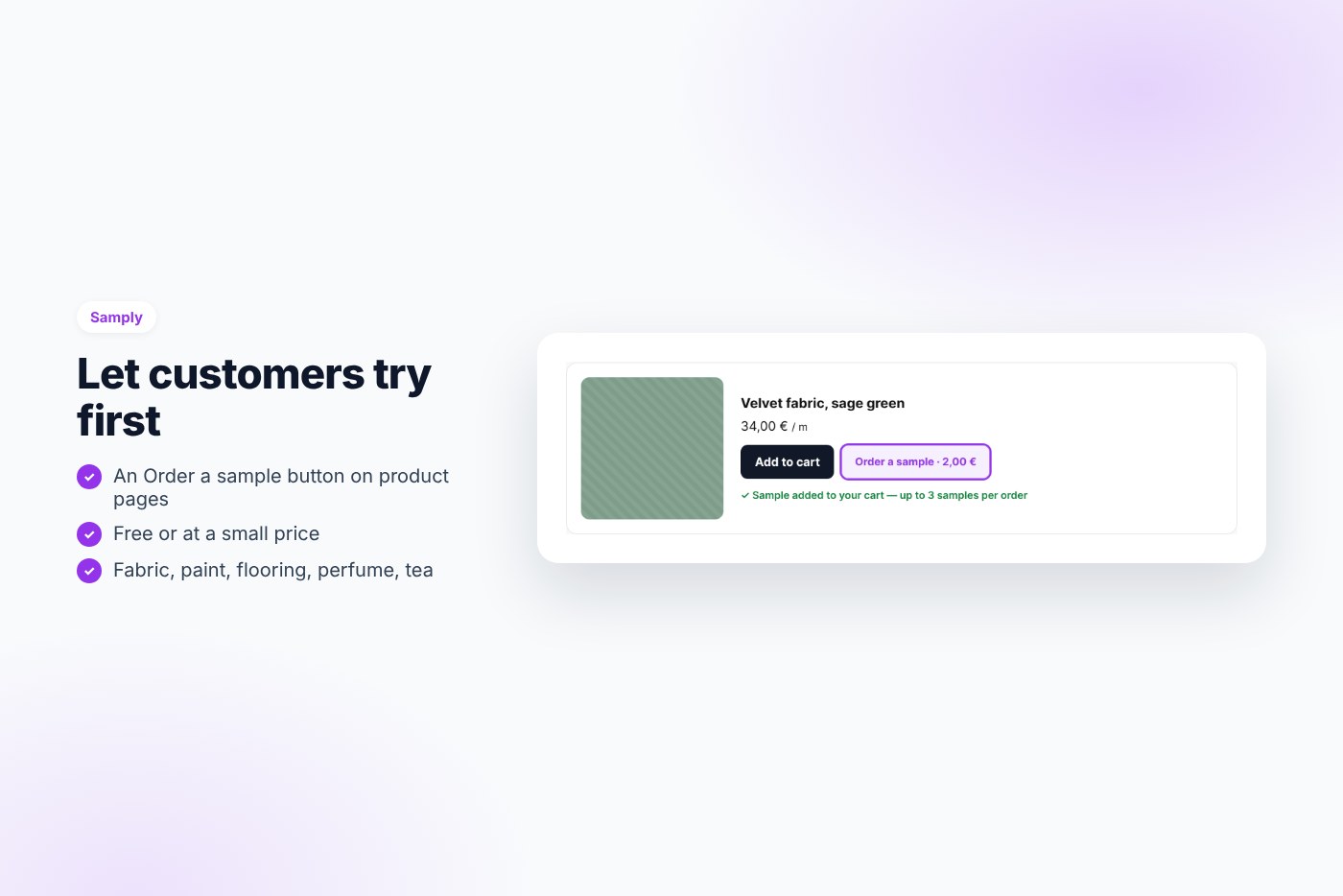
An “Order a sample” button on product pages: a free or low-price sample added to the cart, one per product, with a limit per order.
For fabric, paint, flooring, wallpaper, perfume or tea, customers want to see and touch before buying. Samply lets them order a sample in one click, and you keep control of the price and the number of samples.
Why buyers like it
- Clean, modern design that fits any theme
- Lightweight: no jQuery on the front end, no external service, no tracking
- Fully unlocked: no license key, no activation, readable GPL code
- Translation ready
Features
- Order a sample button under add to cart
- Free or at your price, global or per product
- Simple and variable products
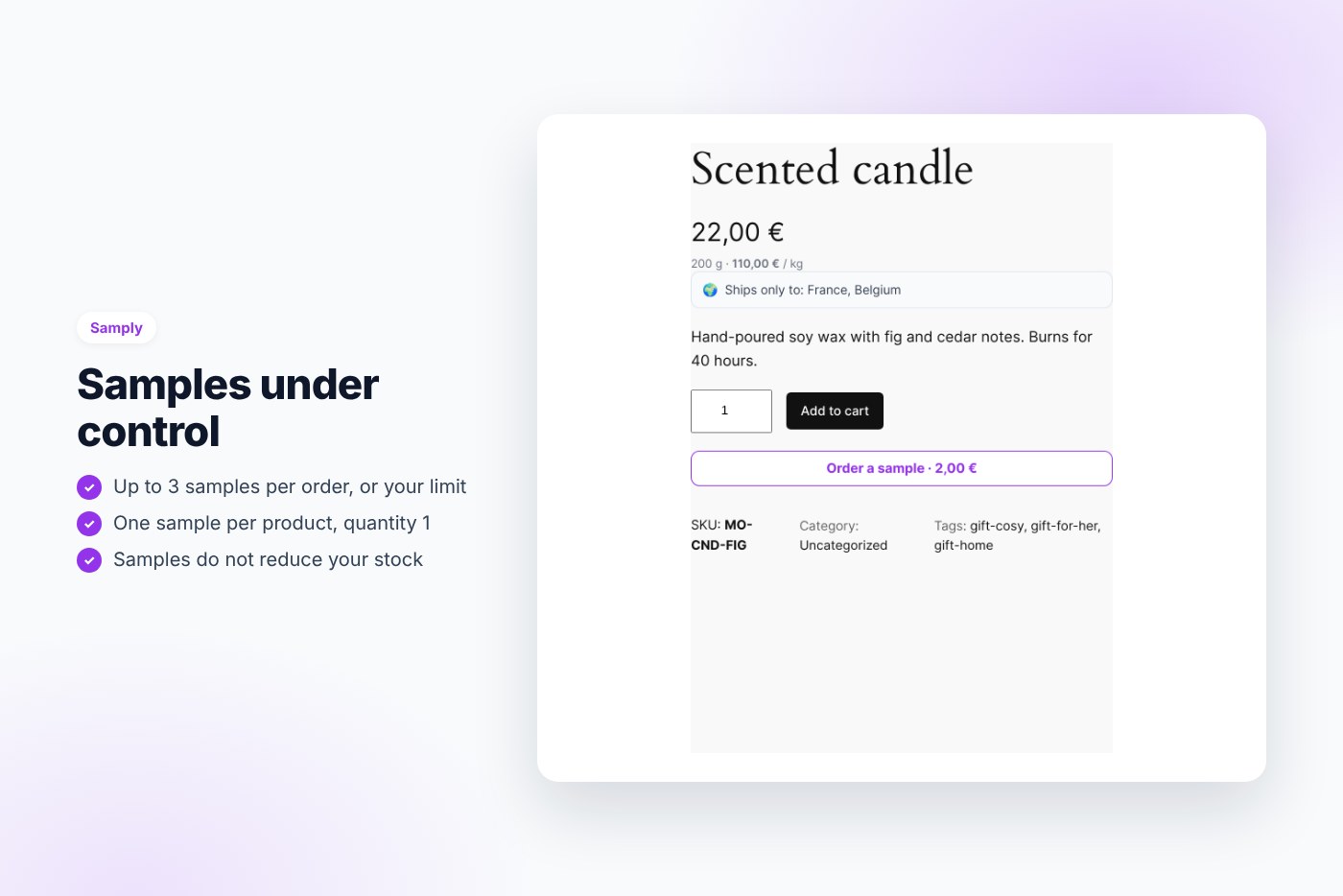
- One sample per product, quantity 1
- Maximum samples per order
- Marked as a sample in the cart, order and emails
- Samples do not reduce stock (optional)
Requirements
- WordPress 6.0 or later
- PHP 7.4 or later
- WooCommerce 7.0 or later
- Works with any theme and page builder
What you get
- The installable plugin zip, ready to upload in Plugins › Add New
- Instant download after payment, from your order email and your account
- Free updates: download the latest version from your account at any time
- Readable GPL code, no license key, no activation, no tracking
- English, translation ready
Installation
- After purchase, download the plugin zip from your order email or your account (do not unzip it).
- In WordPress go to Plugins › Add New › Upload Plugin and upload
samply-product-samples.zip. - Activate the plugin.
- Check WooCommerce › Samples.
Frequently asked questions
Does it work with my theme and page builder?
Yes. It works with any properly coded theme, including block themes, and with page builders through the shortcode.
Can I try it before buying?
Yes, every feature runs on the live demo.
Is there a subscription or a license key?
No. You pay once and download the plugin. There is no license key to activate.


Reviews
There are no reviews yet.