Description
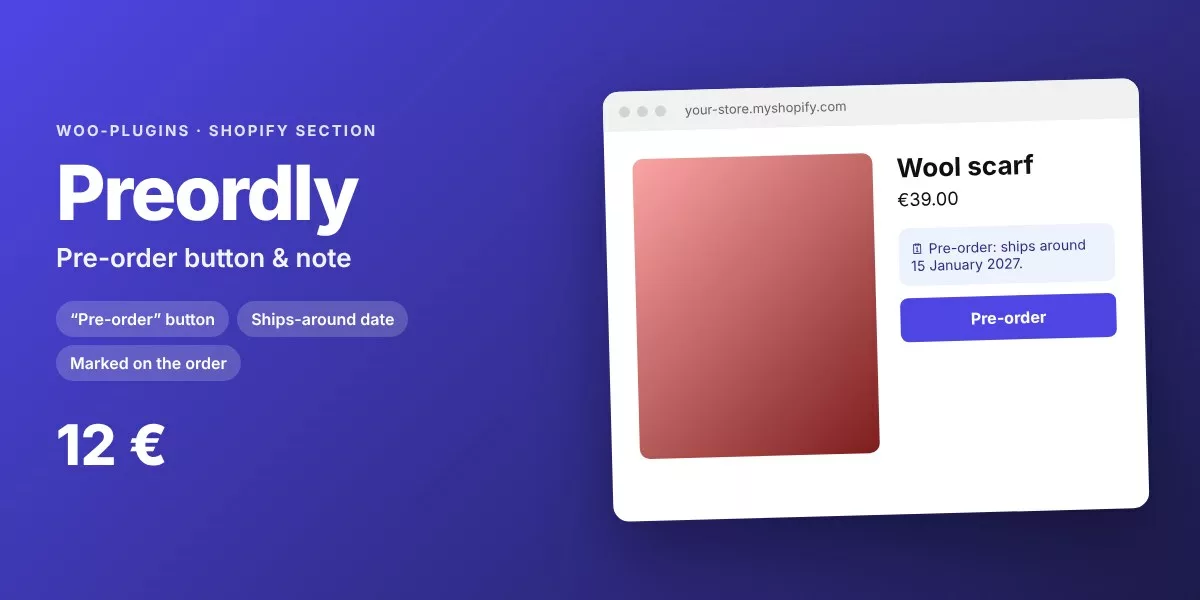
Turn “Add to cart” into “Pre-order” with a ships-around date, for products not yet in stock.
Why it helps
Selling before stock arrives secures revenue and measures demand. Preordly changes the button, shows when the item ships and marks the order line as a pre-order.
Features
- “Pre-order” button for out-of-stock variants that can still be sold
- Or for products with a tag
- Ships-around date from a metafield
- “Pre-order: Yes” saved on the order line
- Follows the selected variant
How it works
- Pay once and download the zip.
- In Shopify: Online Store › Themes › Edit code › Add a new section, paste the file.
- Customize › Add section, and adjust the settings. Done in 2 minutes.
Compatibility
Any Online Store 2.0 theme: Dawn, Refresh, Sense, Craft and most premium themes. No app to install, no monthly fee, no external script.
Save with the Shopify Service Pack: 4 sections for 32 € instead of 45 €, or get all 59 Shopify sections.





Reviews
There are no reviews yet.