Description
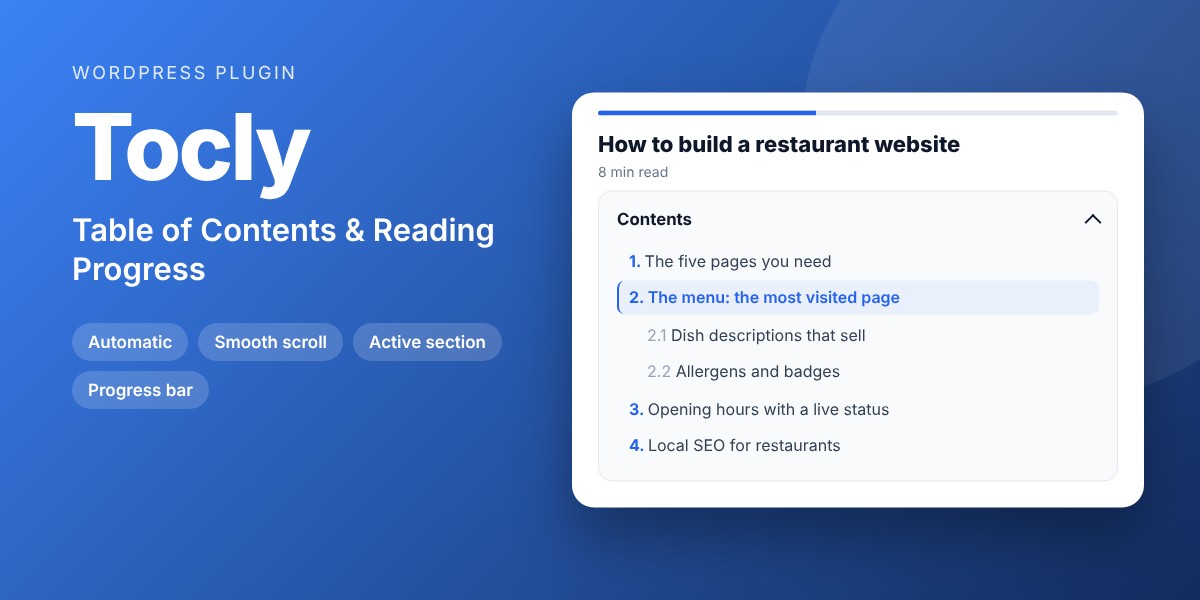
An automatic table of contents built from your headings, with smooth scrolling, the current section highlighted and a slim reading progress bar.
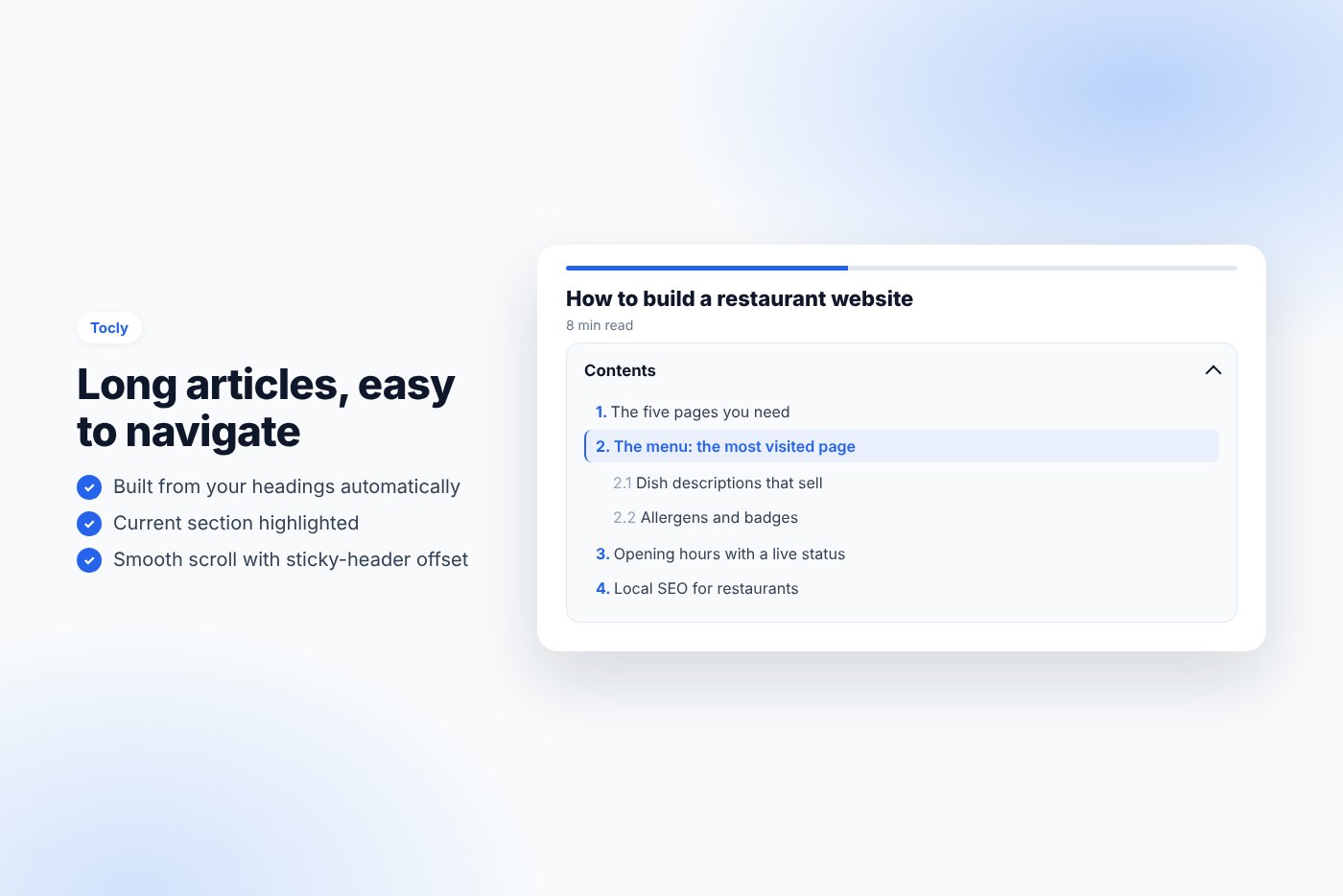
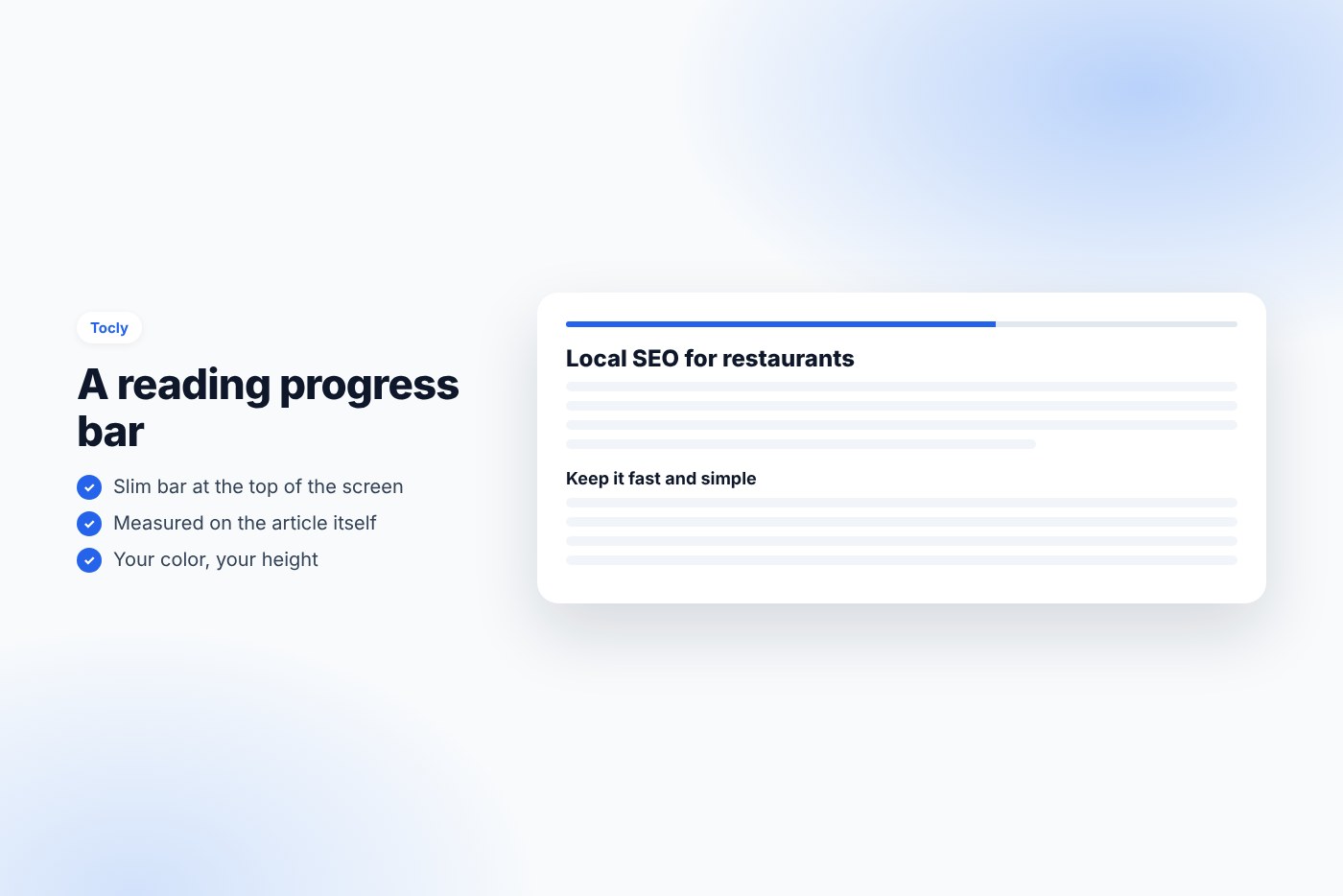
Long guides, recipes and articles are easier to read when visitors see what is inside and jump to the part they need. Tocly builds the table of contents from your headings automatically, highlights the section being read and adds a reading progress bar at the top of the screen.
Why buyers like it
- Clean, modern design that fits any theme
- Lightweight: no jQuery on the front end, no external service, no tracking
- Fully unlocked: no license key, no activation, readable GPL code
- Translation ready
Features
- Automatic on the post types you choose (posts, pages, products…)
- H2, H3, H4 levels, nested; shown only when a page has enough headings
- Placed after the introduction, at the top, or anywhere with
- Anchors added to headings automatically; exclude a heading with the class “no-toc”
- Smooth scrolling with an offset for sticky headers; focus moved for keyboard users
- Current section highlighted while reading
- Foldable, optional numbering (1, 1.1, 1.2), box or side-line style, your accent color
- Reading progress bar measured on the article itself
- Hide it on one post from the editor
- Assets load only on pages with a table of contents
Requirements
- WordPress 6.0 or later
- PHP 7.4 or later
- Works with any theme and page builder
What you get
- The installable plugin zip, ready to upload in Plugins › Add New
- Instant download after payment, from your order email and your account
- Free updates: download the latest version from your account at any time
- Readable GPL code, no license key, no activation, no tracking
- English, translation ready
Installation
- After purchase, download the plugin zip from your order email or your account (do not unzip it).
- In WordPress go to Plugins › Add New › Upload Plugin and upload
tocly-table-of-contents.zip. - Activate the plugin.
- Open a post with several headings: the table of contents appears. Adjust it in Settings › Table of contents.
Frequently asked questions
Does it work with my theme and page builder?
Yes. It works with any properly coded theme, including block themes, and with page builders through the shortcode.
Can I try it before buying?
Yes, every feature runs on the live demo.
Is there a subscription or a license key?
No. You pay once and download the plugin. There is no license key to activate.




Reviews
There are no reviews yet.